Limited Time Offer: Get a Free Lifetime Premium License!Claim Now (100 left) →
Calculate without
the = button
A line-based calculator designed for real-world math. Edit any step, convert units instantly, and work without interruption.
Android Beta Program
The Android version is currently in beta. To participate, you must first visit Google Groups and join [email protected].
Once joined, you can download the app from the Play Store link below.
Intelligent Workflow
Line-Based Logic
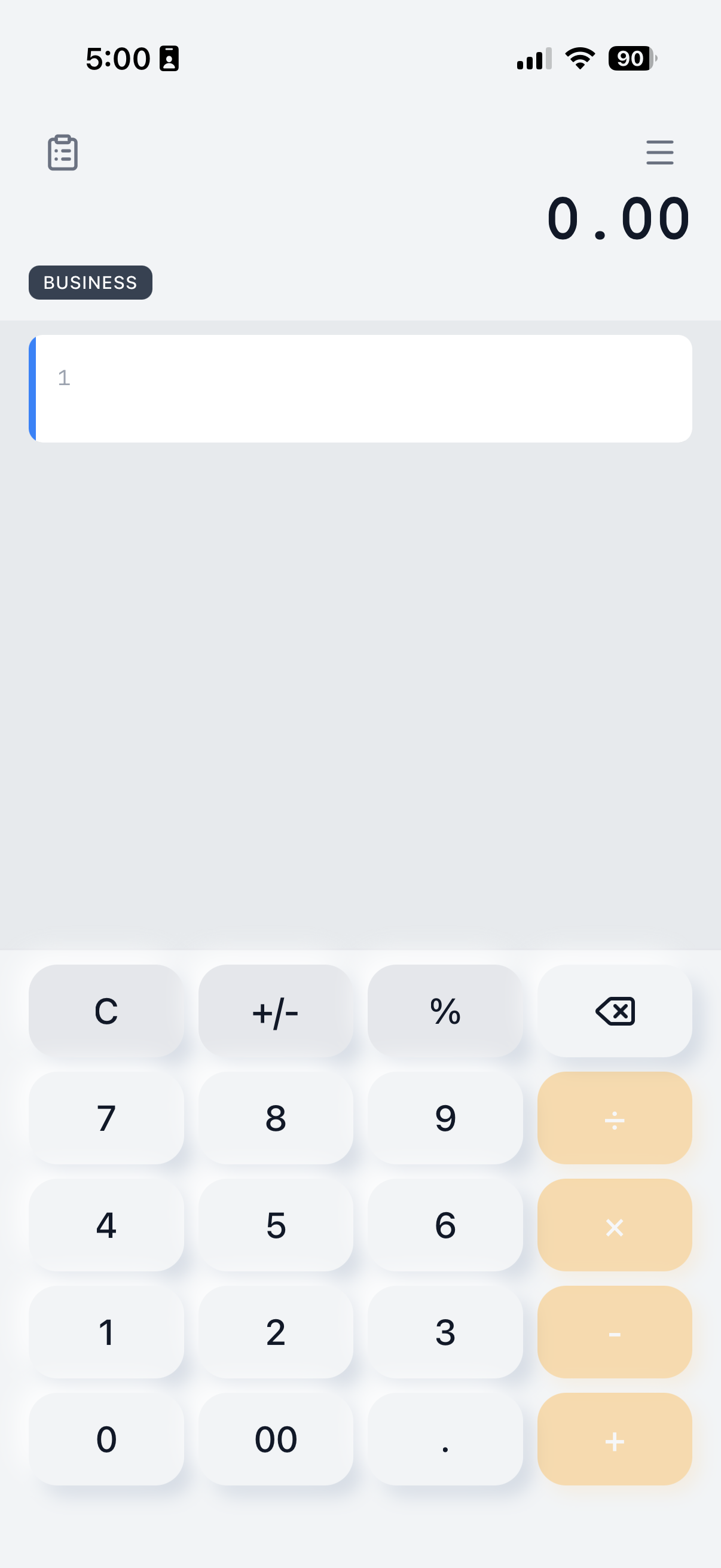
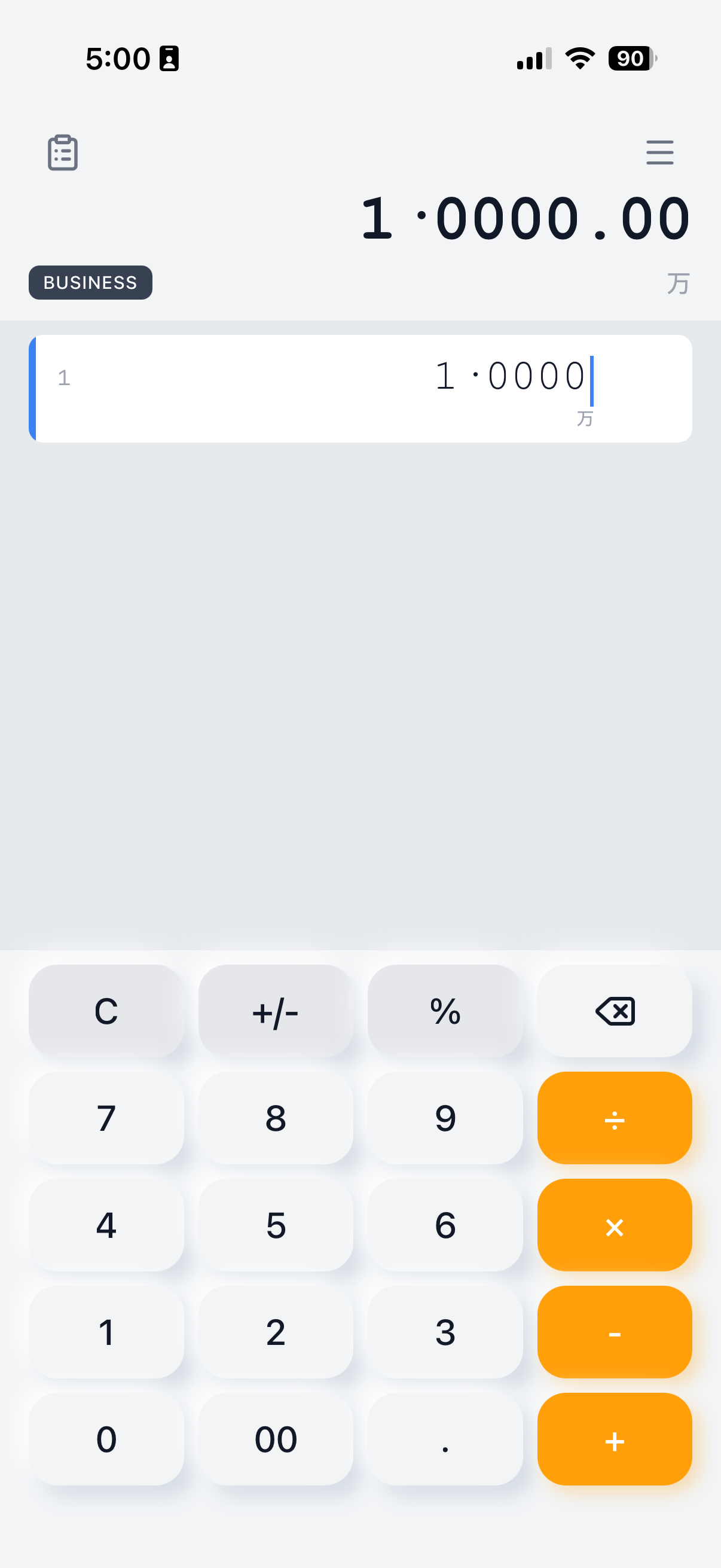
Edit any number or operator at any time. No need to clear and start over. Build calculations line-by-line for clarity.
Drag & Drop Sorting
Organize your calculations effortlessly. Simply drag from the beginning of any row to reorder your logic flow instantly.
Enable & Disable Lines
Toggle lines on or off to test different scenarios instantly. Switch contexts quickly for unmatched versatility and flexibility.
History Stack
Calculation history is stored in a stack-based list. Scroll up to view past results and modify earlier operations instantly.
Professional Power
Pro Conversions
Built-in unit converter for Area, Length, Trigonometry, and more. Integrates directly into your math lines seamlessly.
Context Menu Actions
Long-press on any row for powerful editing options. Perform Copy, Cut, and Paste actions to manage your data without retyping.
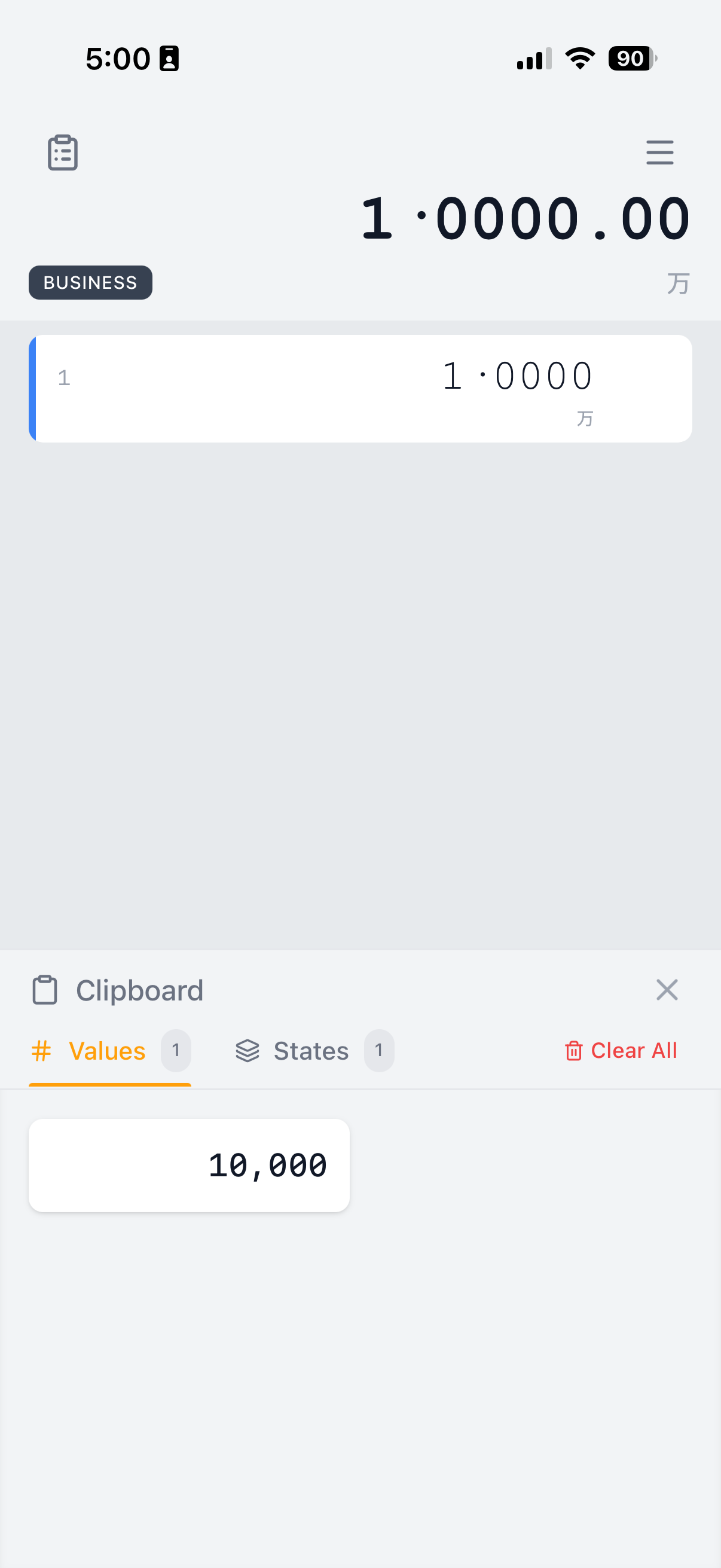
Quick Clipboard Access
Speed up your workflow. Save any result directly to your device's clipboard from the context menu for instant use in other apps.
Business & Science Modes
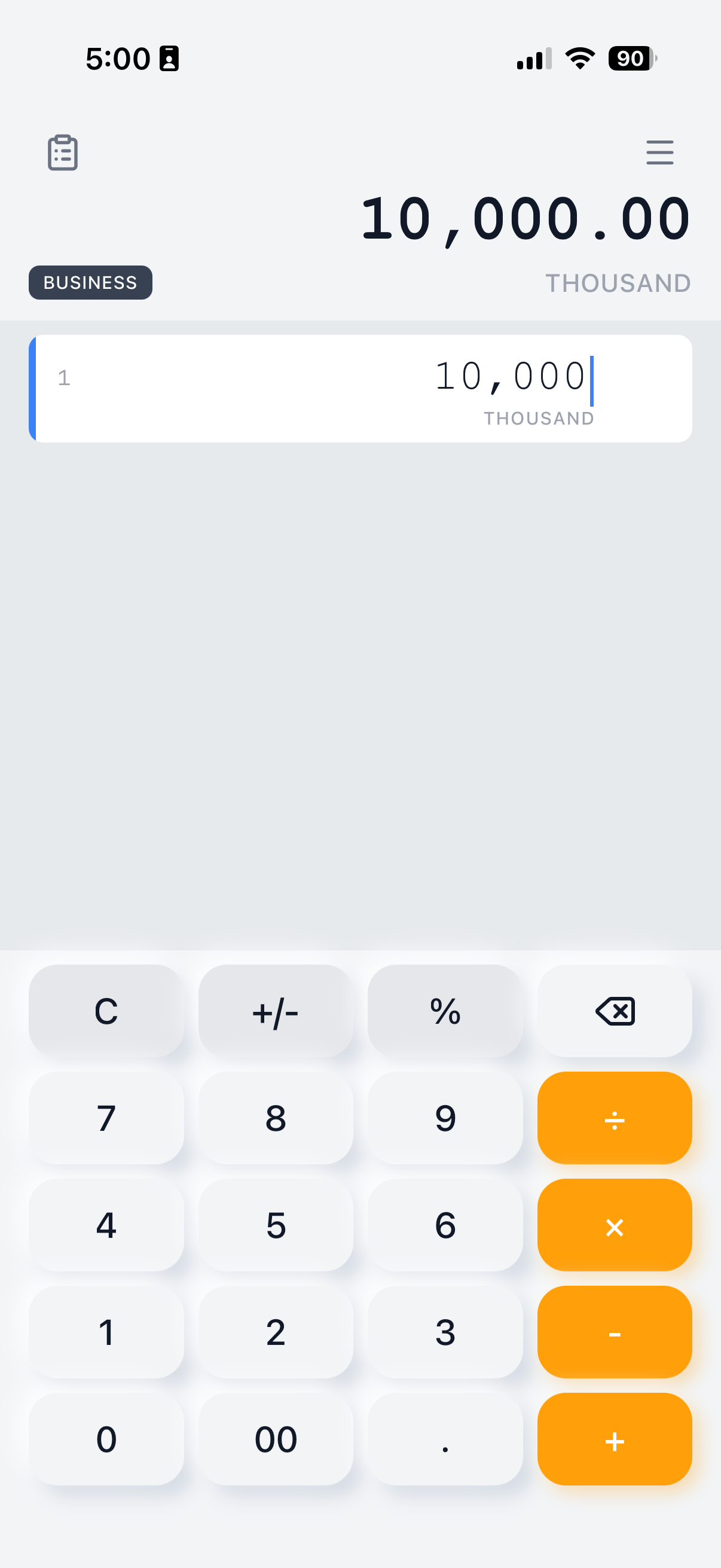
Business mode displays denominations (millions, thousands) and supports Chinese 4-digit grouping with characters.
Custom Conversions
Create your own custom conversion formulas. Perfect for specialized industry calculations or unique unit requirements.
Personalized Experience
Smart Auto-Save & History
Never lose your calculations again with our new intelligent background saving system. NoEqual now automatically saves your entire calculator state whenever you perform a full reset (double-tap "C").
Light & Dark Mode
Supports Light and Dark mode. Make it easy on the eyes in all lighting conditions.
Monospaced Fonts
Prefer a coding aesthetic? Switch to monospaced fonts in Settings for precise character alignment and improved readability.
Number Formatting & Localization
Speak the language of mathematics, wherever you are.
NoEqual goes beyond simple digits to support the way the world handles numbers. Whether you're calculating Yen in Tokyo, Lakhs in Mumbai, or Euros in Berlin, we've got you covered.
🌍 Global Format Support
Standard (US/UK)
The classic format used in English-speaking countries.
Denominations: Thousand (k), Million (M), Billion (B)
European
Widely used across Europe and South America.
Separator: Dots for thousands, comma for decimals.
Swiss
Specialized formatting for Swiss financial standards.
Separator: Apostrophes for thousands.
Asian Myriad
Full support for the 4-digit grouping system used in China, Japan, and Korea.
Denominations: Wan (万), Oku (亿), Man (만).
Indian
Correctly handles the unique comma grouping for Lakhs and Crores.
Denominations: Lakh (L), Crore (Cr).
International SI
Compliant with ISO 31-0 standards for scientific and technical use.
SI (Space) and SI (Comma) supported.
🔄 Dual Profile System
Working across borders? NoEqual lets you configure a Secondary Format.
- 1Quick Switch
Tap your language label to instantly toggle between your Primary (e.g., US English) and Secondary (e.g., Chinese) formats.
- 2Context Aware
The keypad, decimal separators, and grouping symbols all adapt instantly.
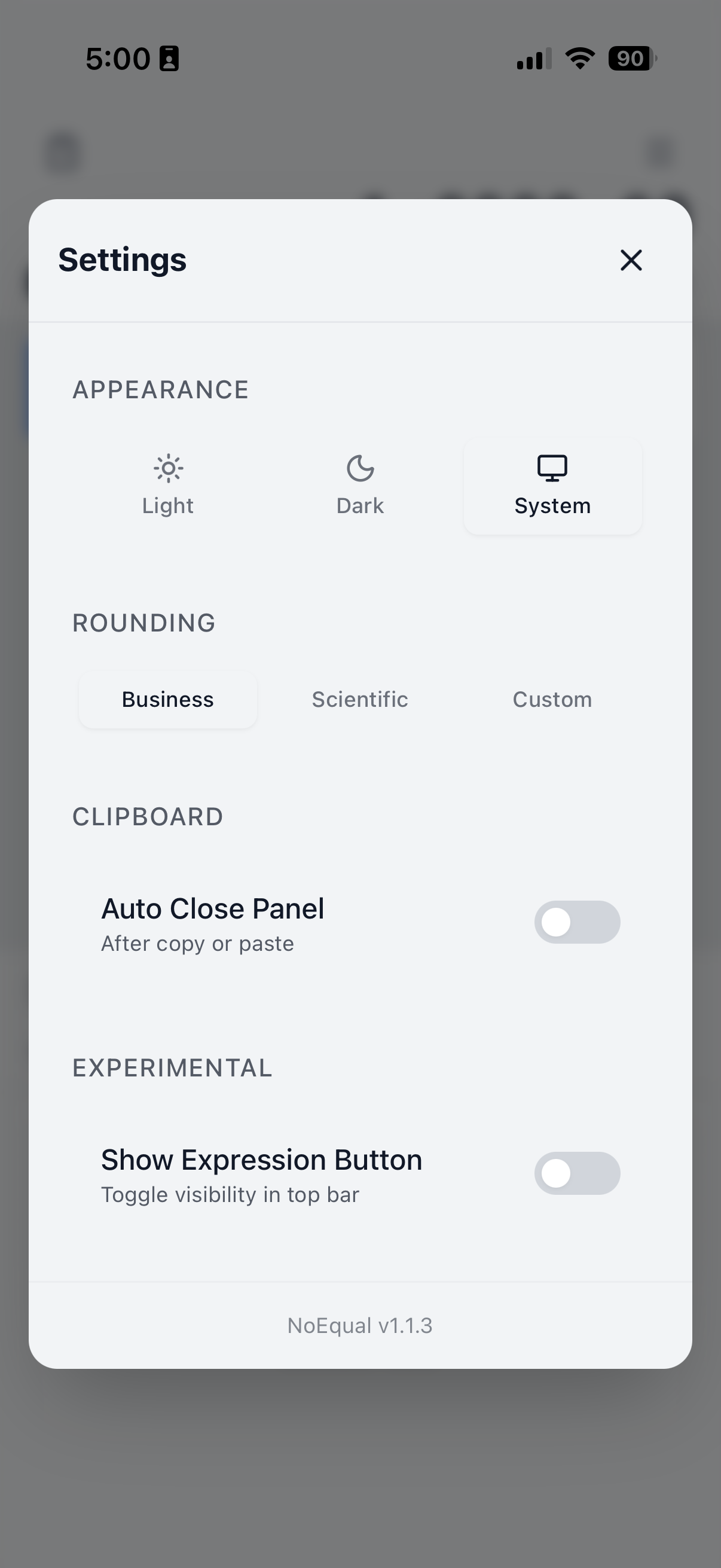
🎯 Smart Rounding
Control precisely how your numbers are displayed:
- Business ModeFixed to 2 decimal places perfect for currency.
- Scientific ModeHigh precision with up to 12 decimal places.
- Custom ModeYou choose exactly how many digits to show.
Go Pro. Unlock everything.
One-time purchase. No subscriptions.
Frequently Asked Questions
Why is there no equals button?
NoEqual calculates in real-time as you type. This allows for a continuous flow of thought without interrupting your process to press a button.
What is "Business Mode"?
Business Mode adjusts how rounding handles decimal places, ensuring financial calculations remain precise and compliant with standard accounting practices.
How does the contextual display work?
The app automatically detects the magnitude of your number and displays a helper label (like "Thousand" or "Million") so you can instantly verify the scale of your figures.
Can I access my calculation history?
Yes! The history stack lets you scroll up to view past results and modify earlier operations instantly.
Calculate with clarity.
View all productsGet a Free Premium License
Limited to the first 100 users. Enter your details to receive a lifetime premium license URL instantly.